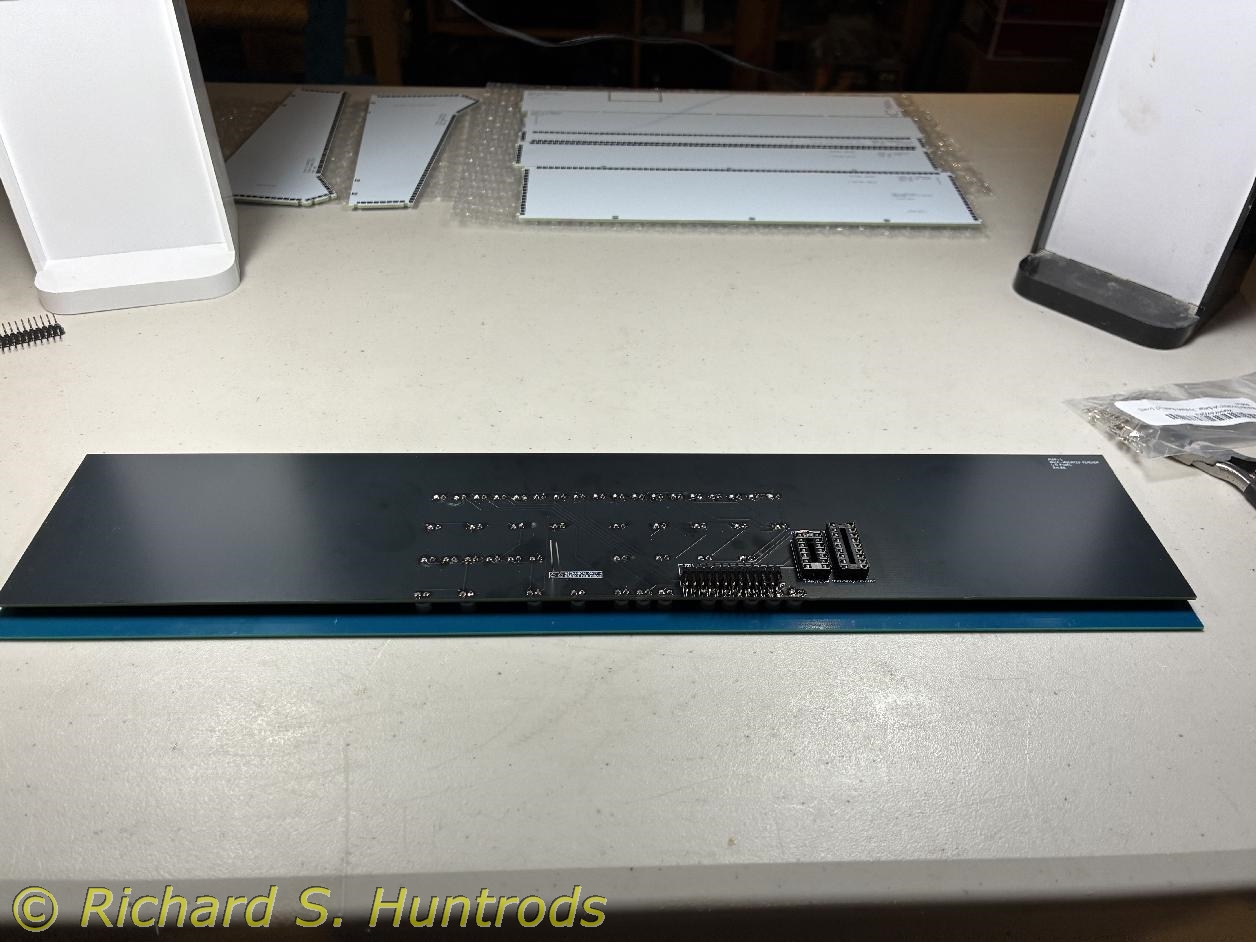
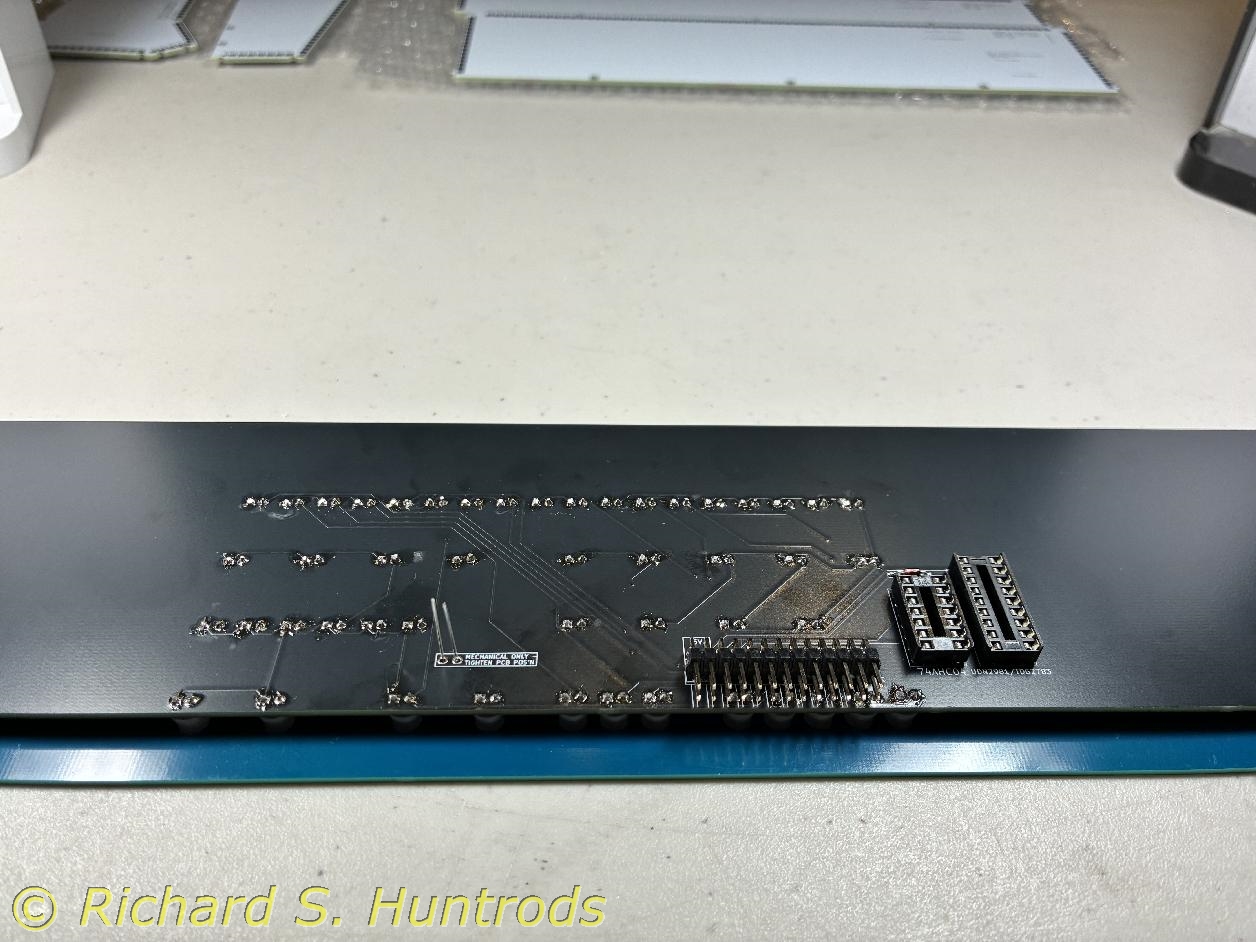
PiDP-1 - Building the I/O Panel
Click on any icon image to see the larger photo.
The I/O panel is the top panel in the frame, and is the only panel besides the operator's panel that requires significant componenet soldering. Attaching the LEDs was not difficult and is in many ways quite satisfying.
I found ane anomaly in the LED marking which caused me some initial confusion. The component panel shows a (-) and (+) for each LED with the (-) associated with the round hole and the (+) with the square hole. Elsewhere in the build instructions it says "Fit the LEDs to the PCB, ensuring that the long positive lead goes through the round pad and the short negative lead goes through the square pad." This is opposite of the convention used in some British (RC2014) and American (Altair-Duino) kits I have built before, where - is square and + is round. All do agreed that the long lead is negative (-) and is the cathode, while the short lead is positive (+) and is the anode. For this kit I followed the guide on the circuit board.
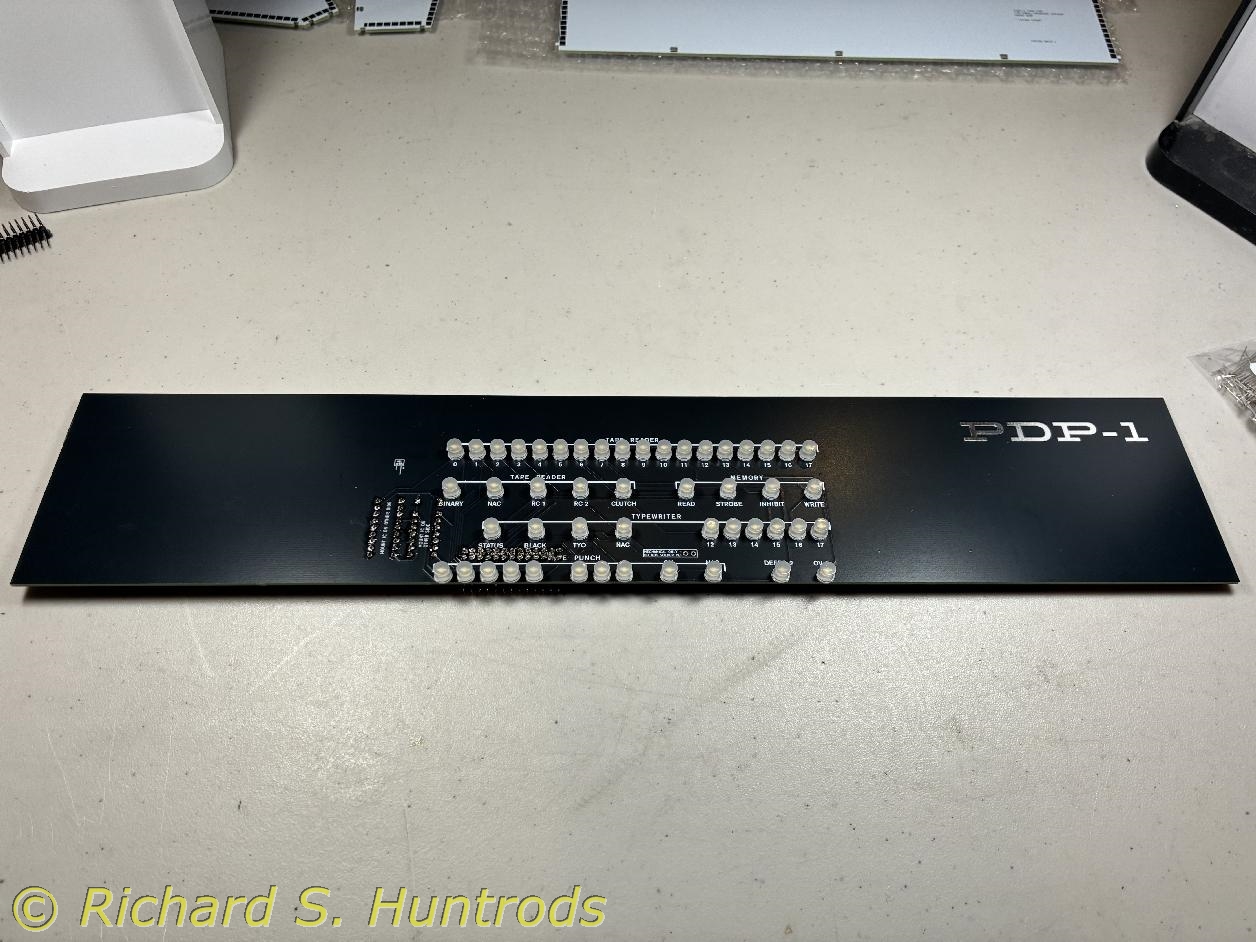
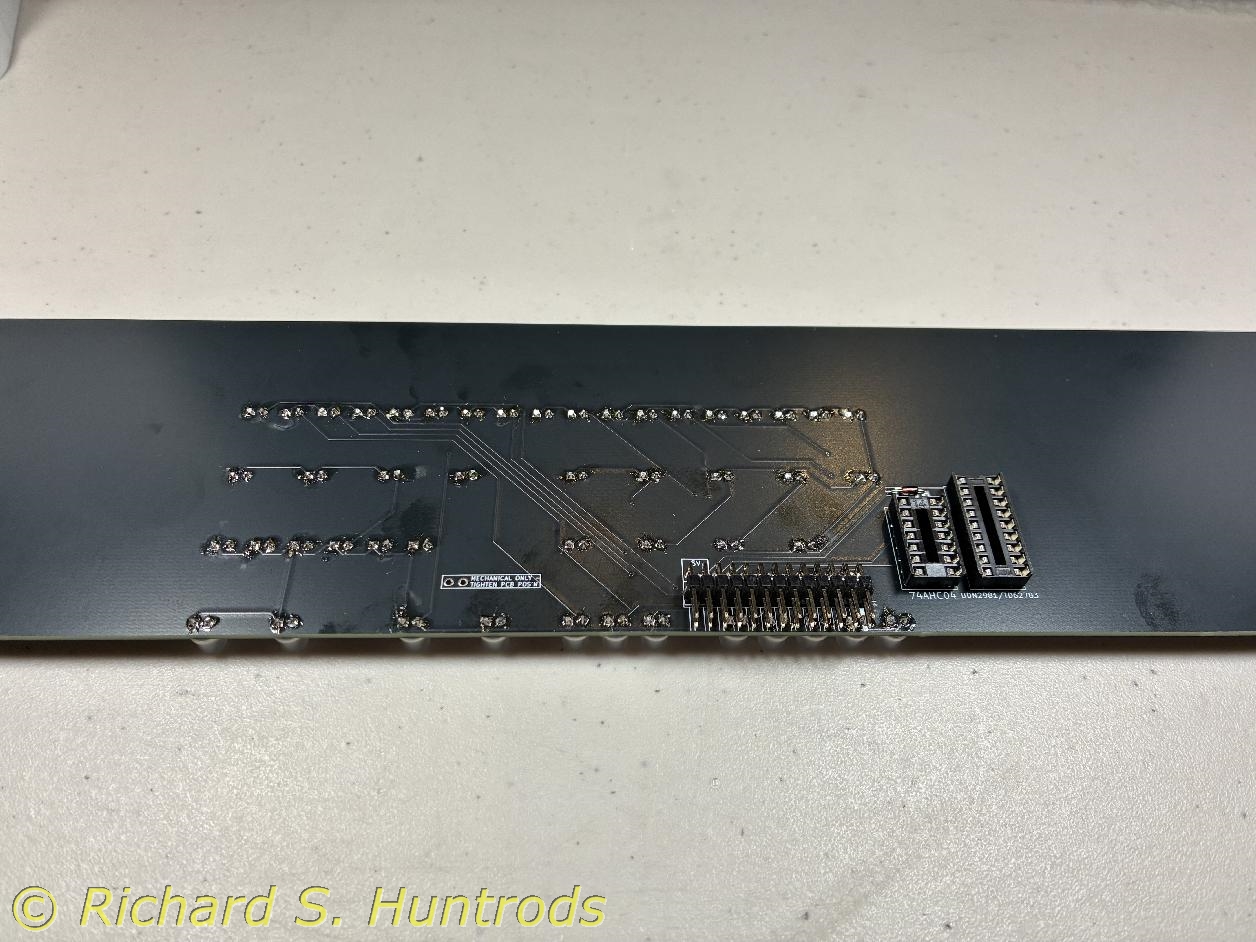

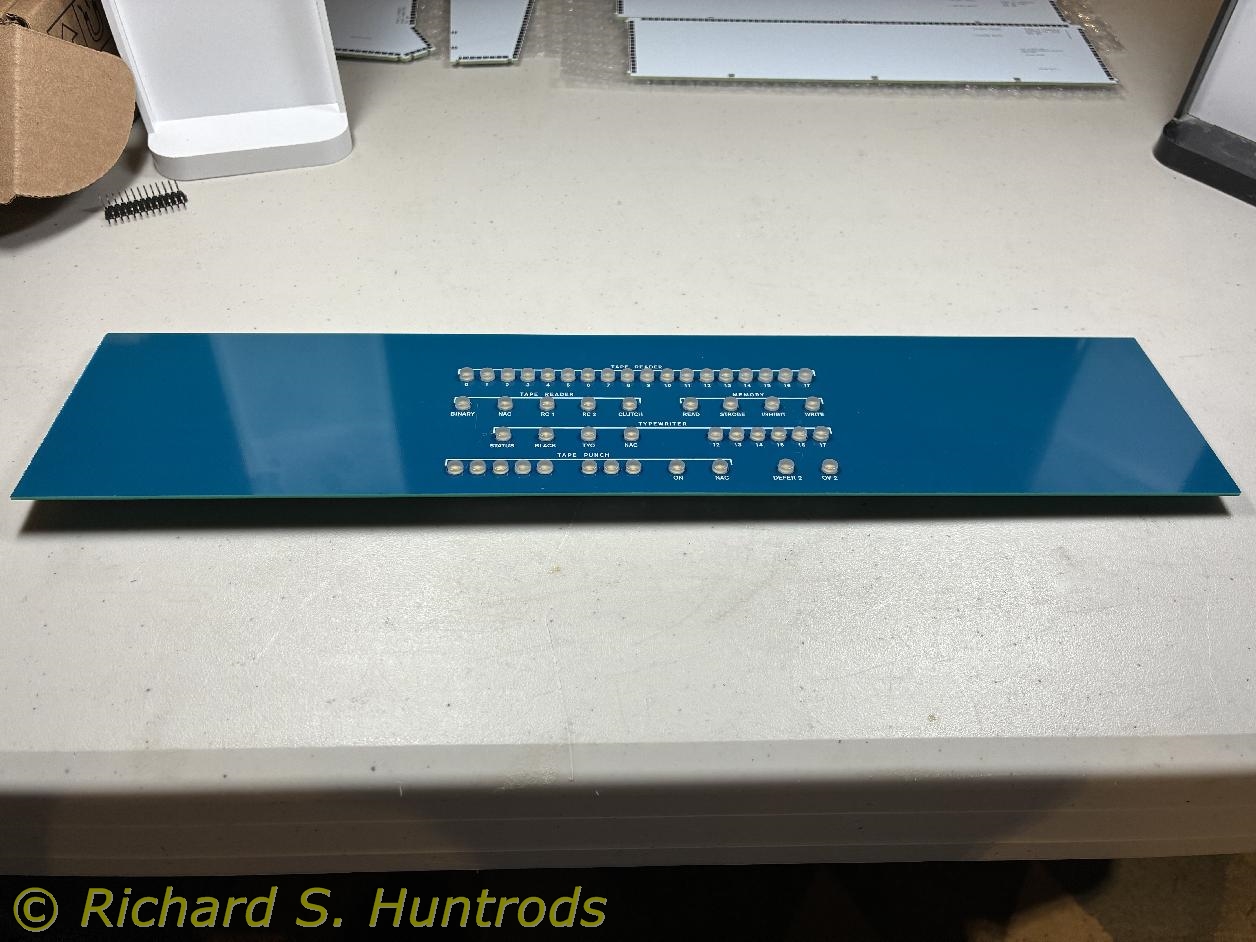
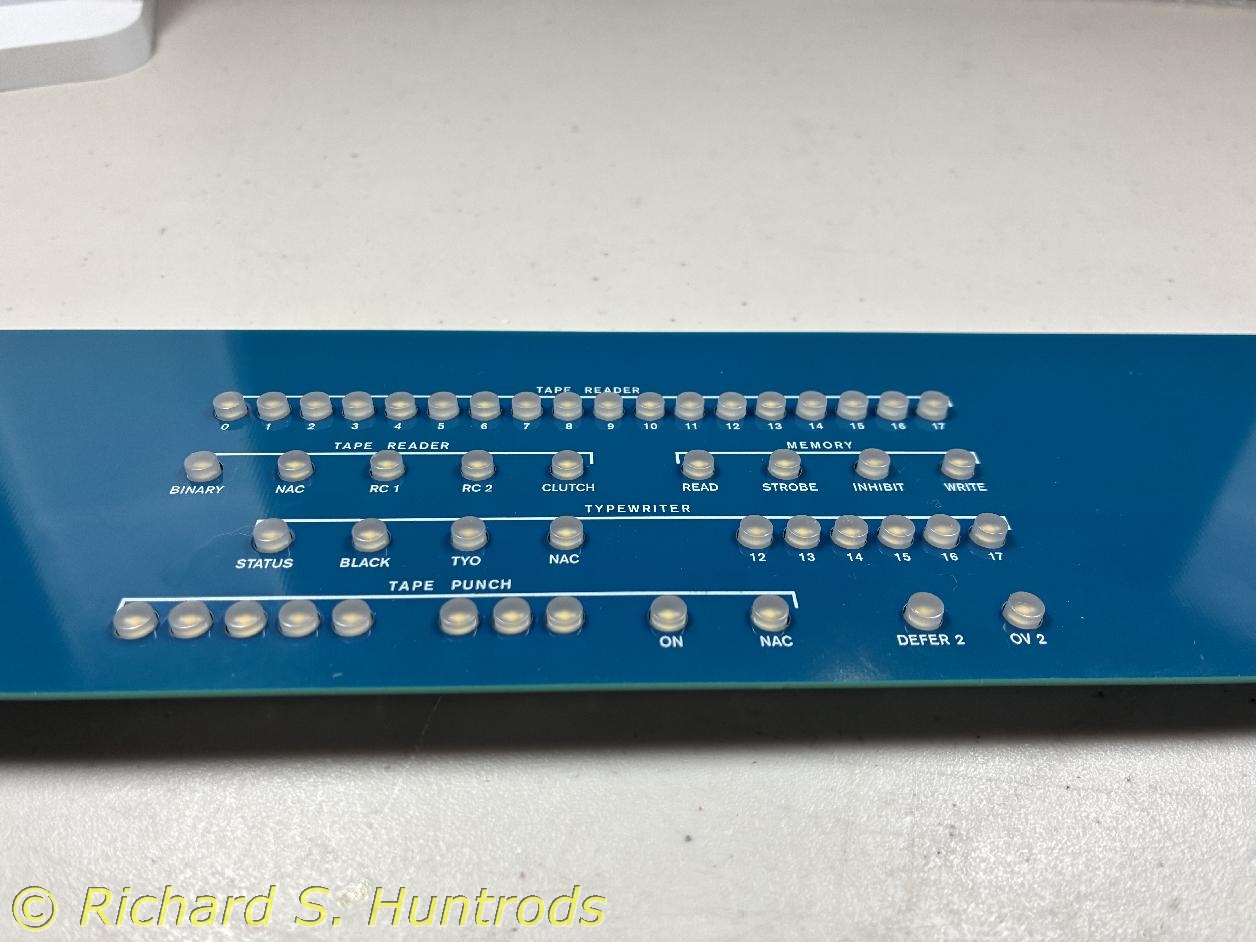
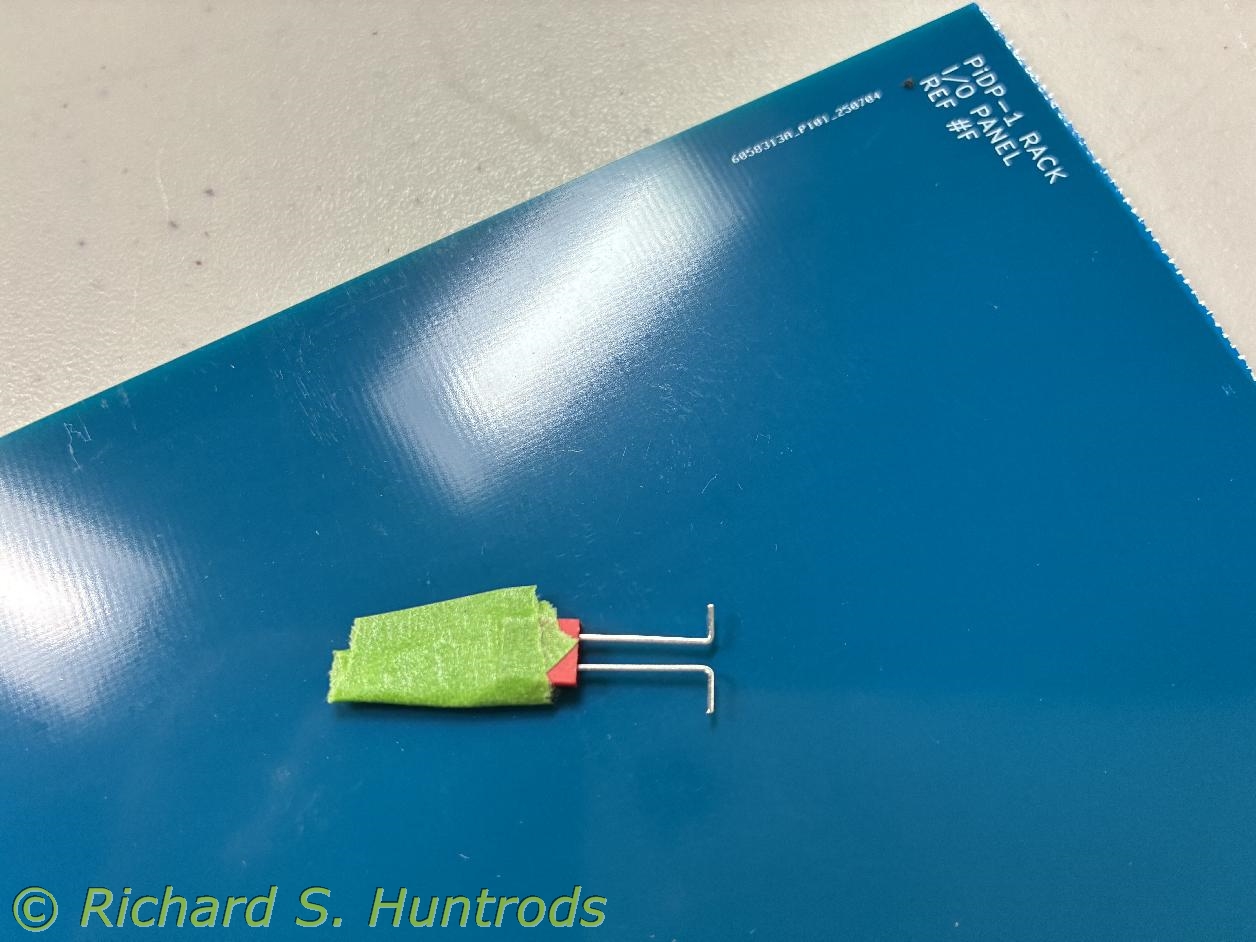
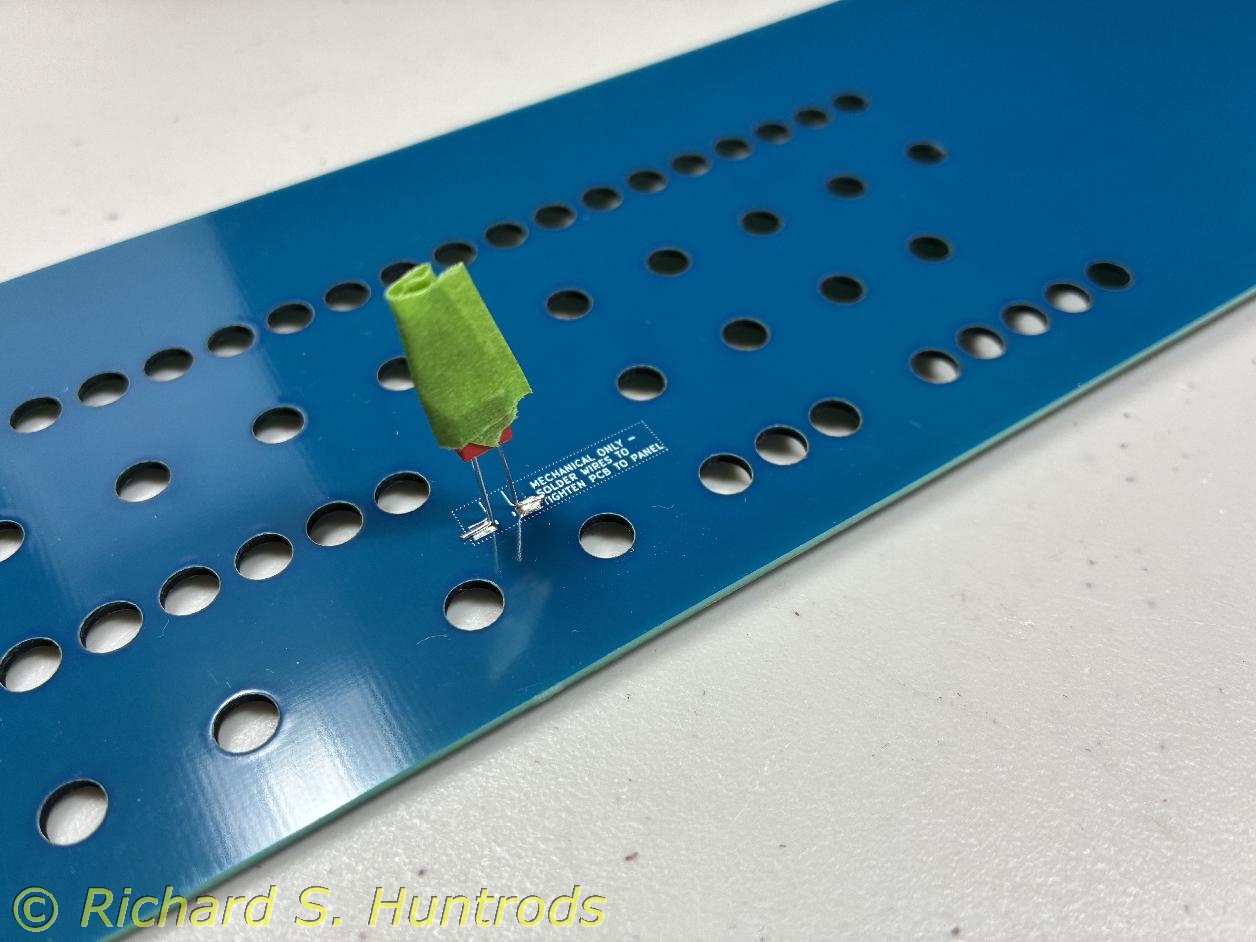
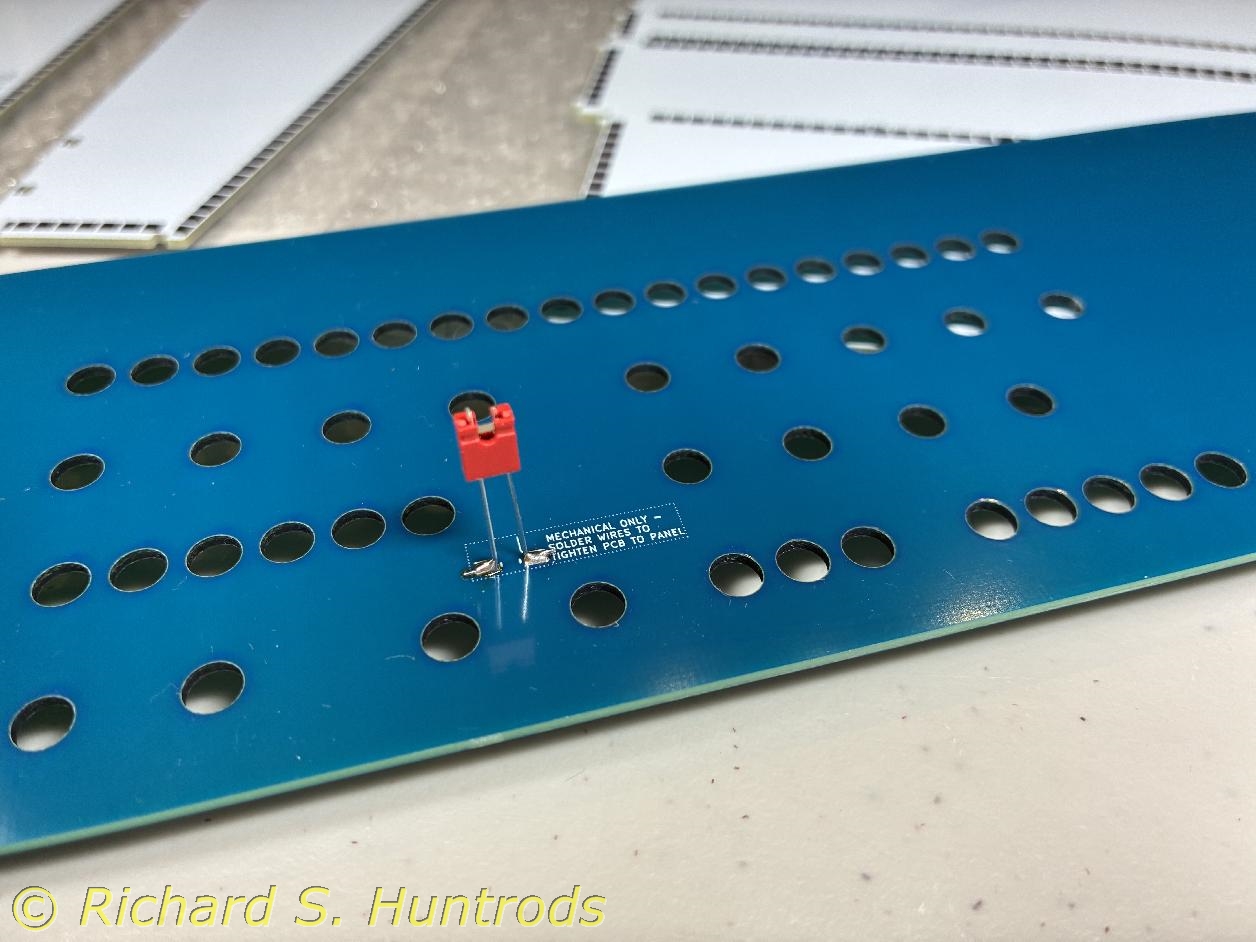
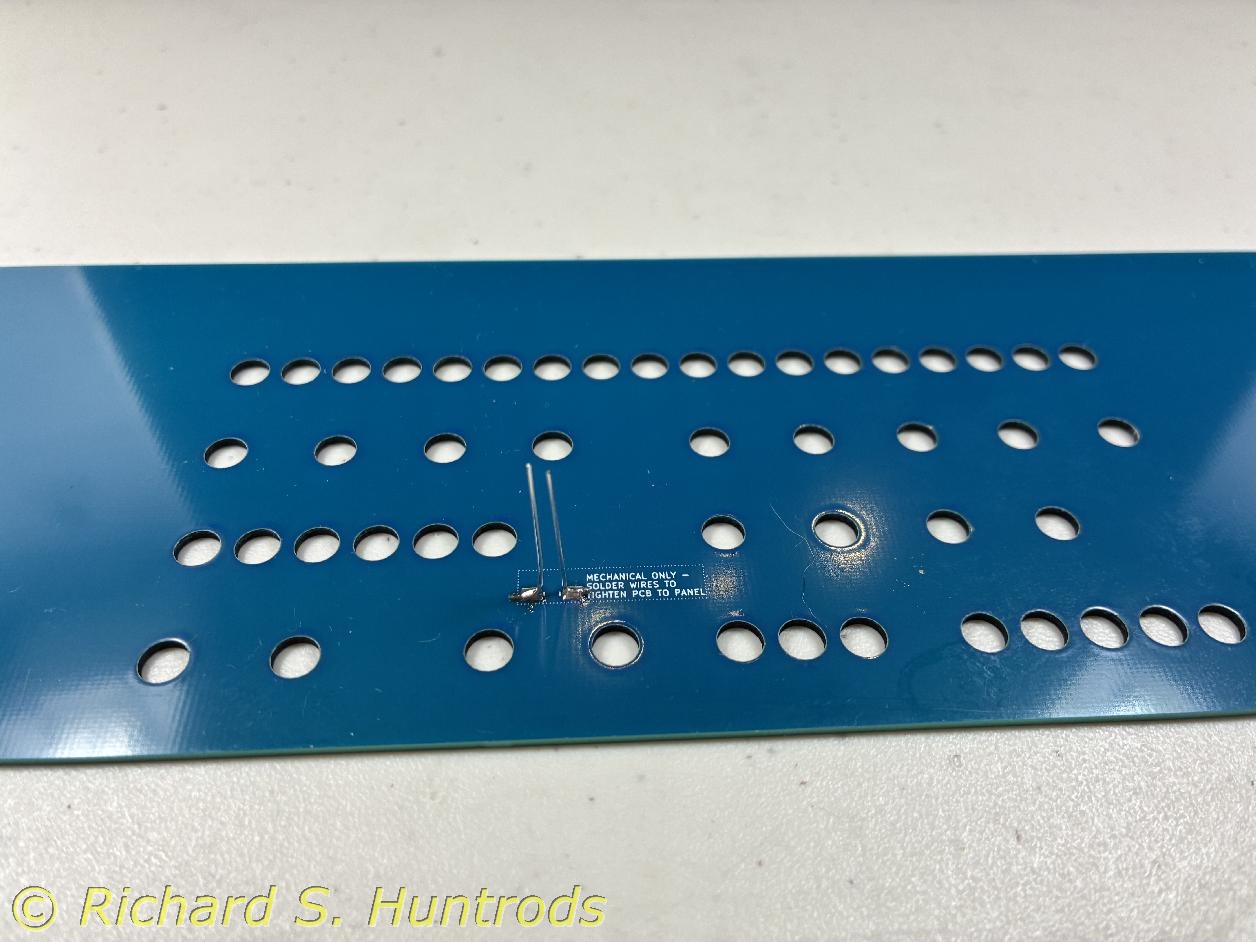
Near the end of the I/O panel build, I noticed pads on the back of the visible panel and thru-holes on the component panel with labelling to indicate they were used to mechanically join the two panels. There were no instructions on how to create this joint, but looking at the pads it seemed clear that I should take a pair of excess component wires (i.e. cut off LEDs after soldering) and bend them to create a kind of jumper on the back of the visible panel. I did this but had the immediate problem of how to hold them while soldering. My solution was to use a 2-pin jumper and tape to hold them in alignment while I soldered first one pin, then the other. It worked perfectly!
Once I was satisfied with the panels, I used this set of pins to solder the two boards together. I very much like the finished I/O panel!