PiDP-1 - HDMI monitor 2026
Click on any icon image to see the larger photo.
I have decided to add a HDMI monitor to the PiDP-1 rack system. After searching amongst all the options, I have chosen an Elecrow 7in HDMI monitor. It matches the size parameters for installation on top of the paper tape panel, features audio output (2 speakers) and back mounting fasteners. The has been ordered and arrives in two days.
I plan to mount it on the surface of the paper tape panel rather than cut into it as others have done as I simply don't think I could do a really good job making a large rectangular hole in the paper tape panel. There are also back supports on the panel to consider, and I really don't want to get involved in such large scale modifications. Four 2.5mm mounting holes and a larger cable hole is all I want.
The Elecrow 7in HDMI monitor arrived today. After unboxing, it looks absolutely perfect for the application, and sits in the paper tape panel exactly as I envisioned.
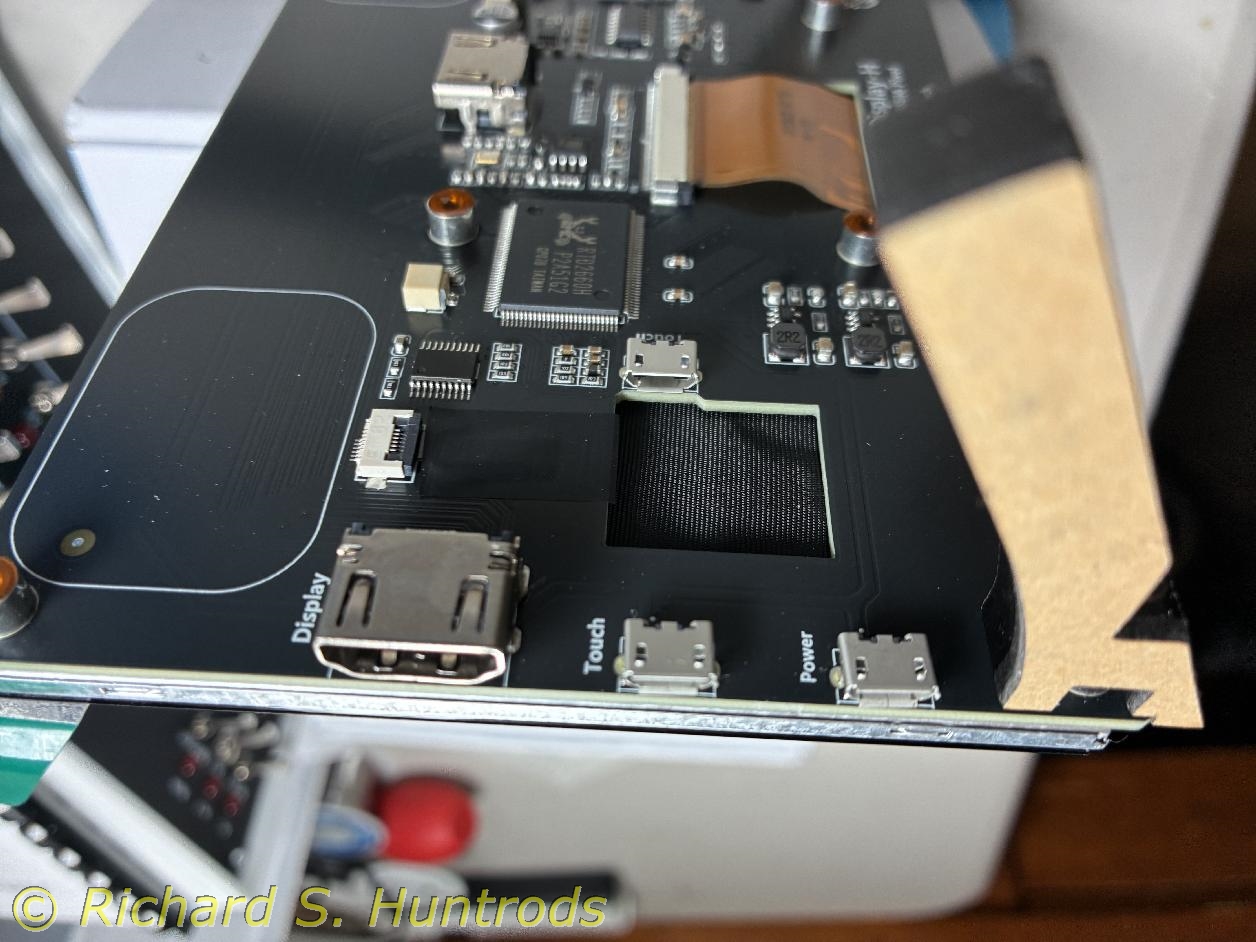
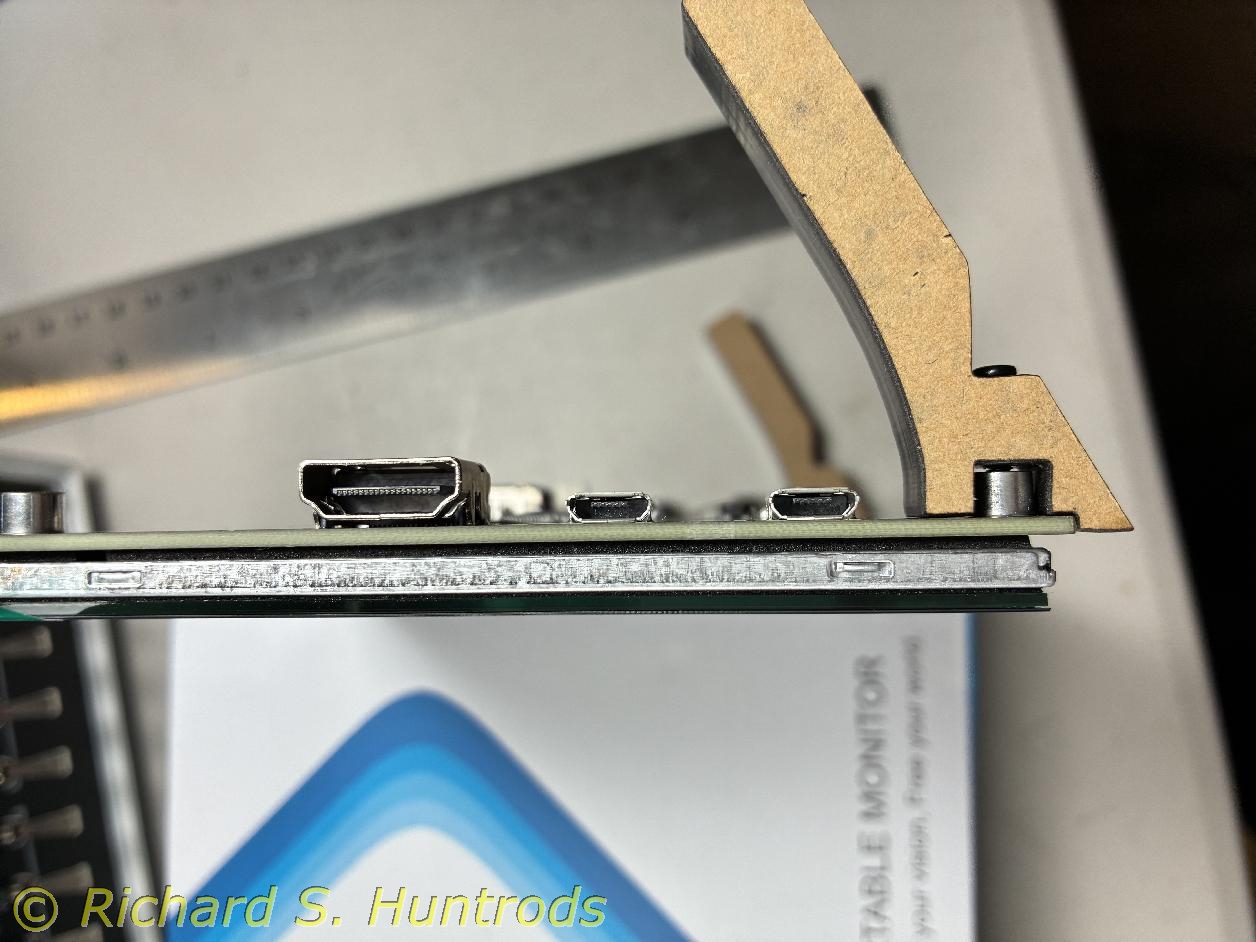
I took some photos of the connectors for power and HDMI so that I could order 90 degree plugs which will allow the wires to be hidden or at least minimized.
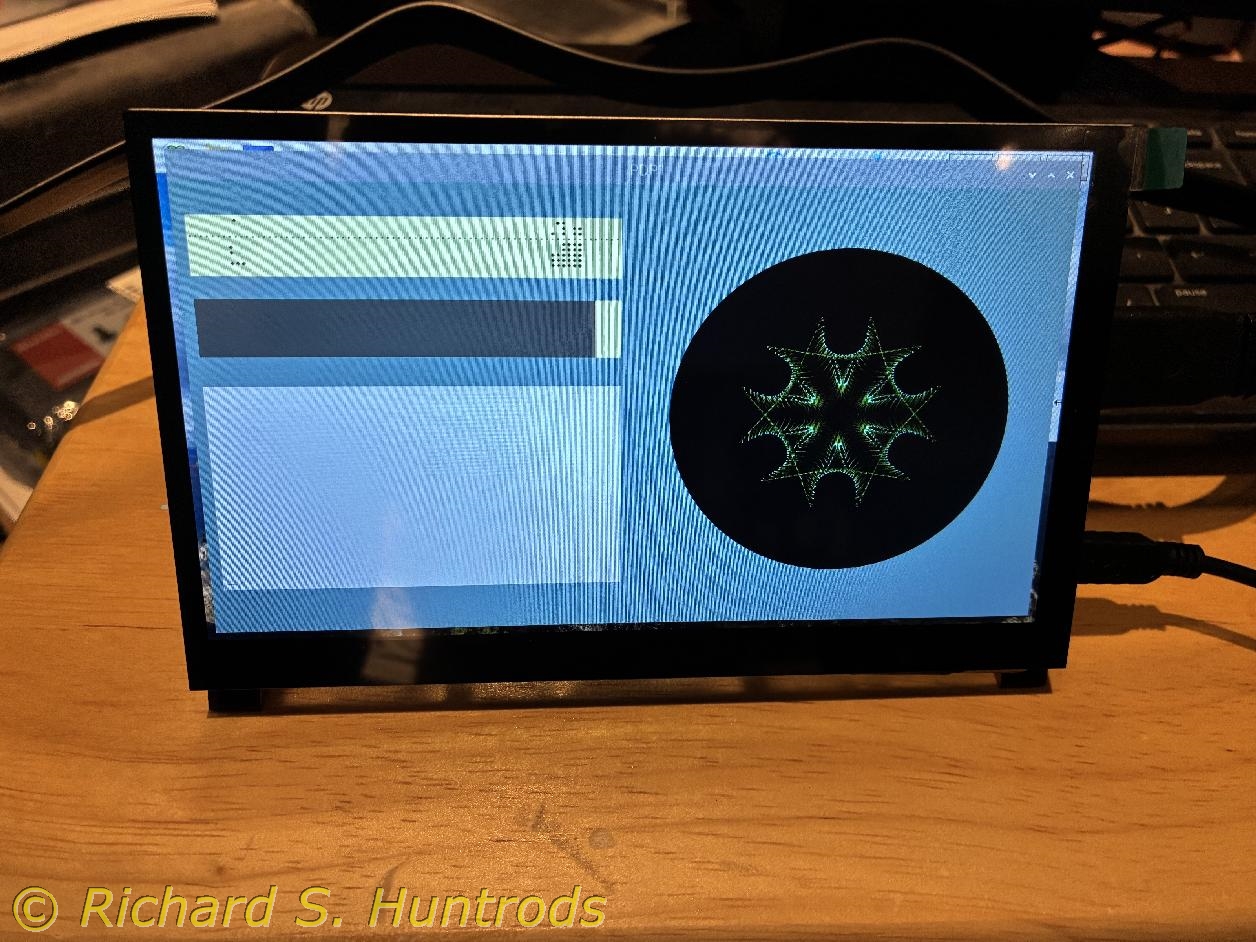
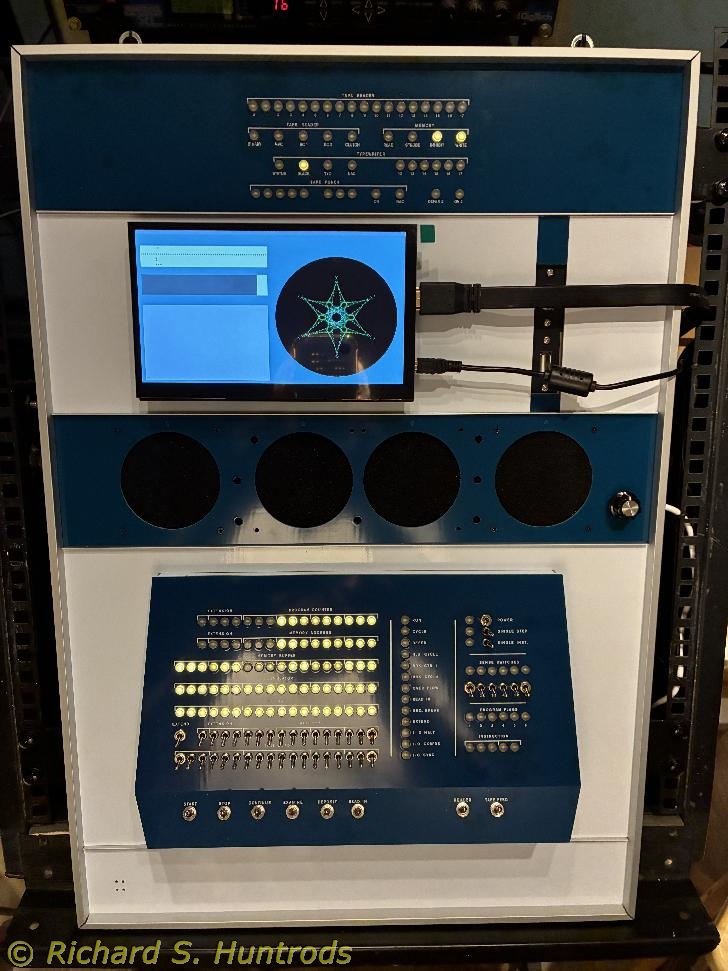
I also powered off the PiDP-1 and removed the HDMI "dummy dongle", then connected the Elecrow monitor to the PiDP-1 via the supplied HDMI cable. I attached the supplied stand to the monitor so I could test it in operation. I used an appropriate USB cable with an old iPad power supply to power the monitor. After switching on the PiDP-1, I was rewarded with the display shown in the photo. As it is said, "IT WORKS!!!".
 2026-01-15.jpg "PiDP-1")
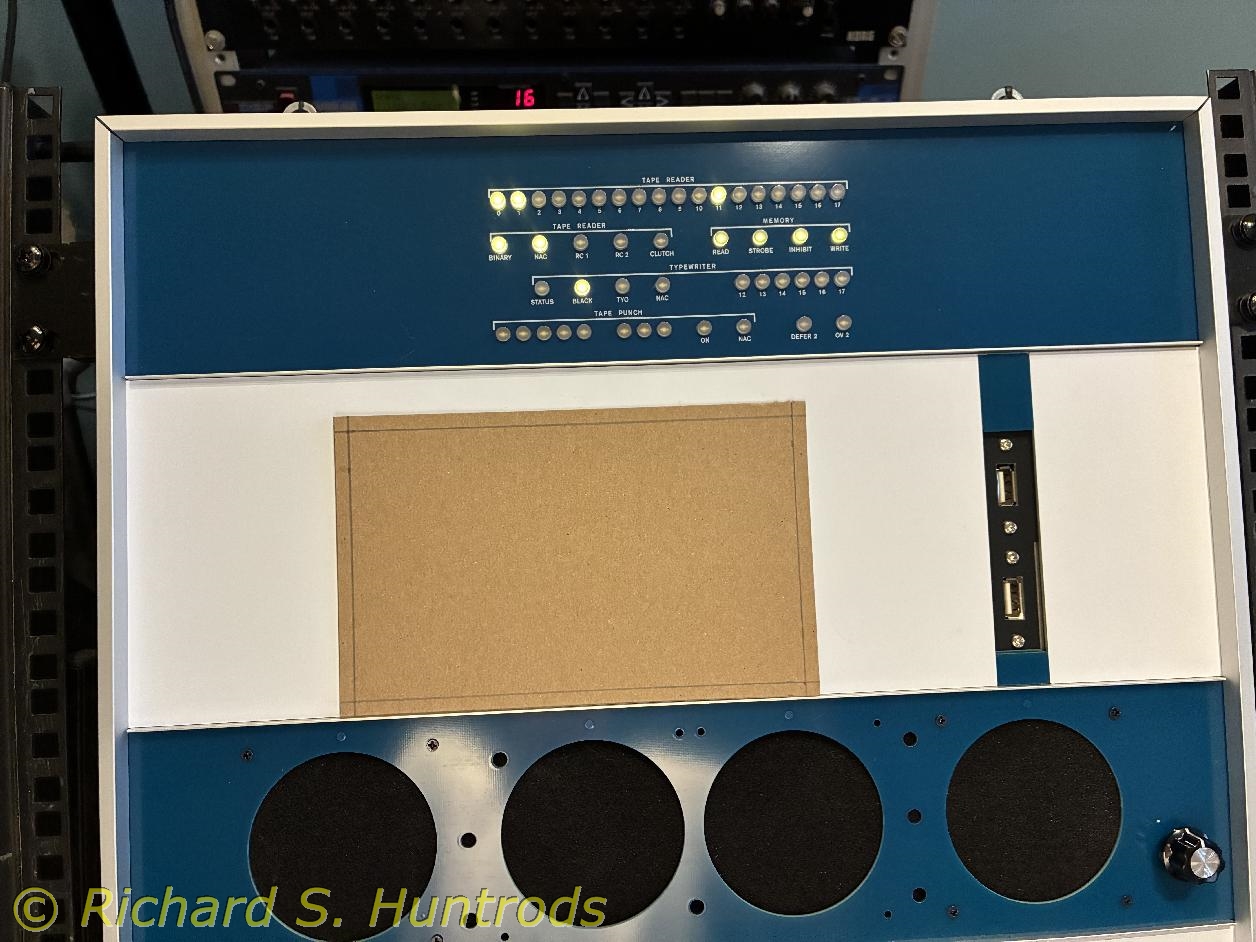
The manual for the Elecrow HMDI monitor is complete and includes detailed specifications, measurements and connection diagrams. Using the measurement diagram, I created a 1:1 cardboard template showing the rear 2.5mm mounting holes. I used a punch tool to punch the mounting holes in the template, then visually verified the template is accurate.
I set the template in place to view various location options. Eventually (not shown) I taped the template in my chosen location with the left side of the monitor in line with the left edge of the operator console side. I used a measured standoff to locate the template vertically in the middle of the paper tape panel, then marked the mounting holes with a very fine sharpie.
I tried marking the hole locations with the punch tool, but it would not make a decent dent to use as guide for starting the drill. In the end I used the tip of a very sharp box cutter to make the mark. I then very carefully drilled a 1/64 hole while supporting the back of the panel. That being successful, I enlarged the hole twice to the final size of 7/64" (imperial size just larger than 2.5mm).
I then attached 12mm brass standoffs to the back of the monitor and using 2.5mm cap screws, mounted the monitor to the paper tape panel.
For testing, I simply routed the HDMI and power cables over the paper tape cutout and held them with twist ties to my audio rack frame.
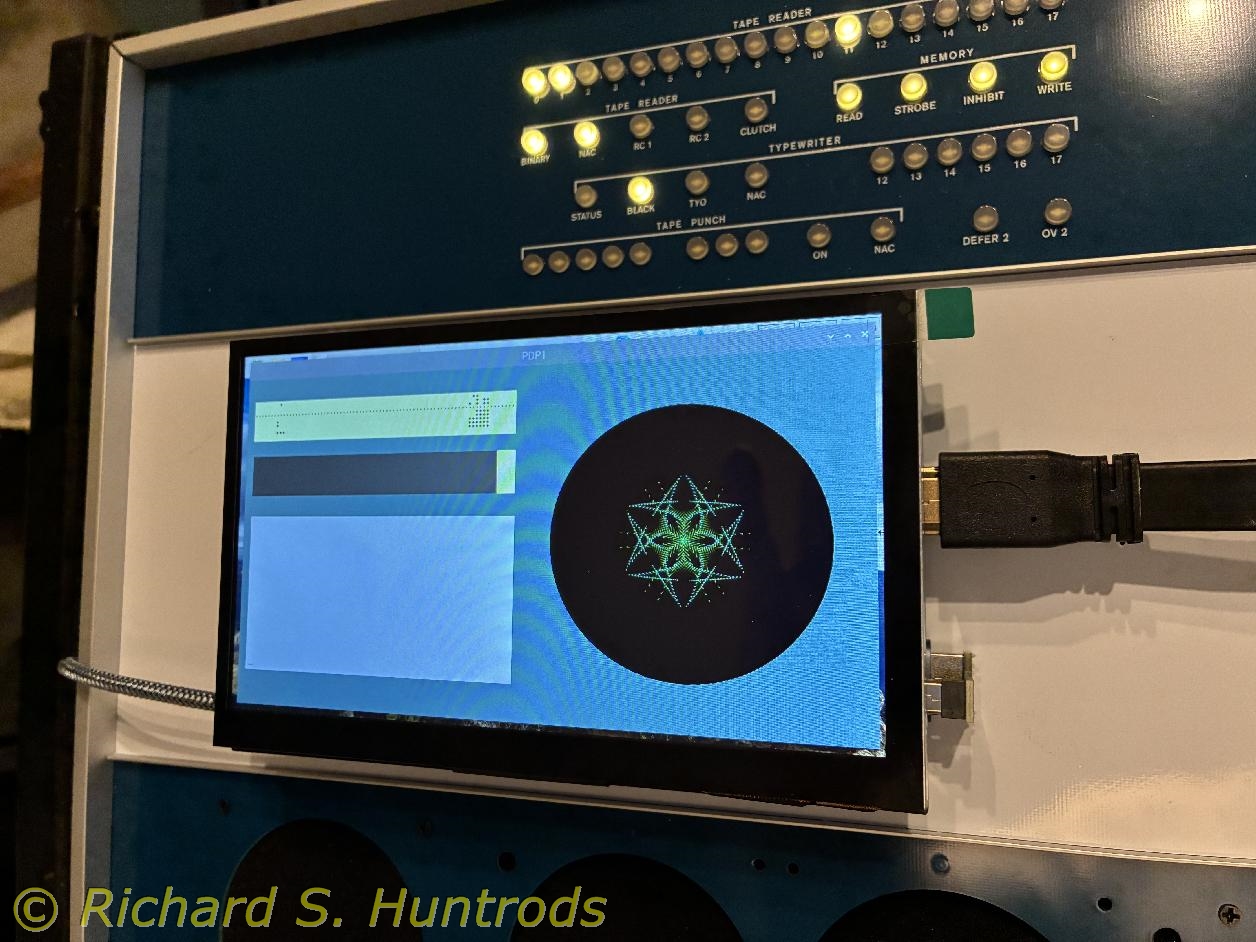
The last phot shows the PiDP-1 operating the snowflake program with the mounted Elecrow HDMI monitor in operation.
I LOVE IT!!!
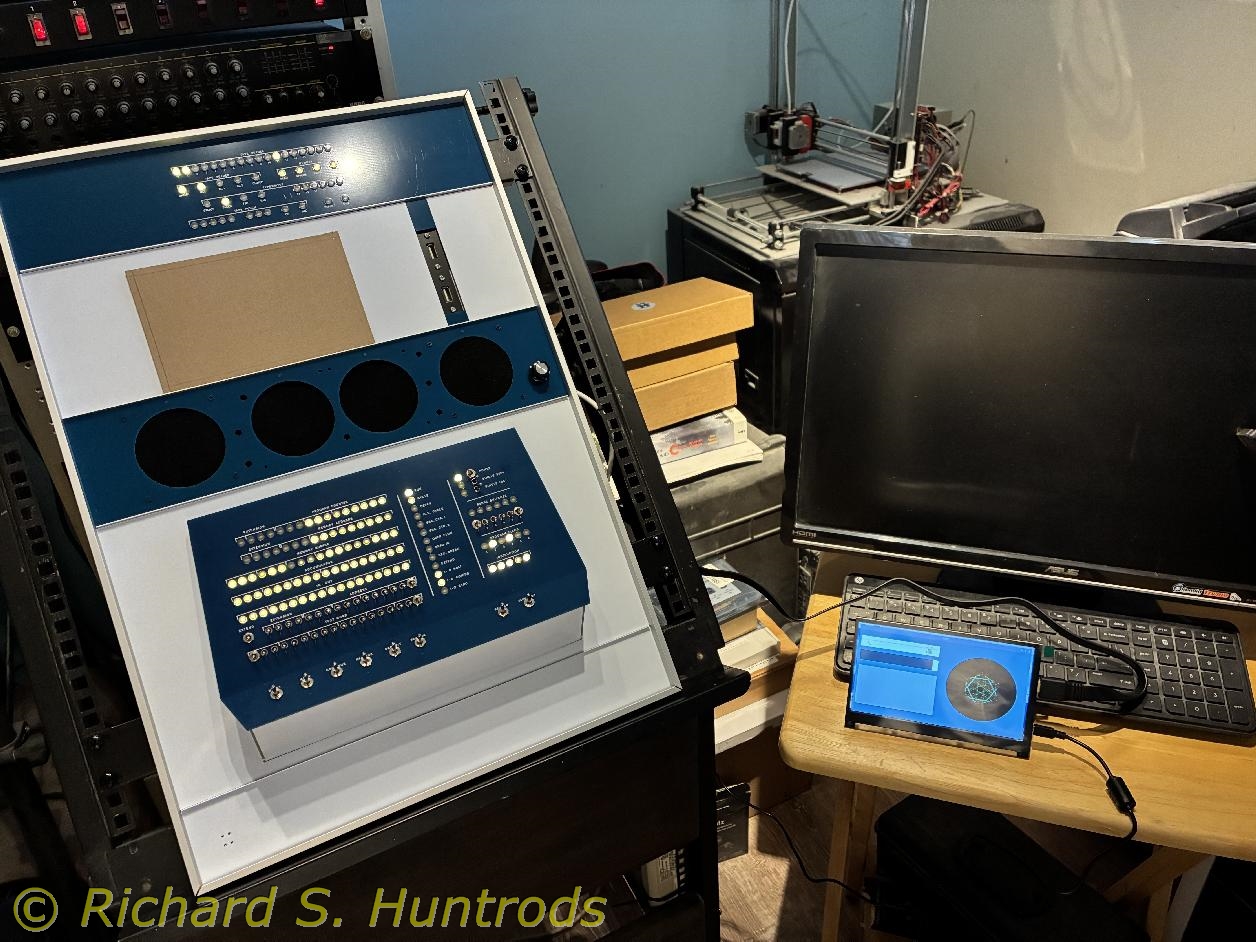
The next steps involve tucking the wires out of sight or at least unobtrusive.
My first plan is to get a 90 degree HDMI plug and 90 degree micro-USB plug/cable and either route the wires under the monitor to a larger hole drilled under the monitor and fish the cables out to the backIf that does not work, I may have to drill two holes at the side of the monitor, one for 90 degree HDMI plug and one for 90 degree micro-USB cable. It might be possible to create some kind of bezel to cover the wires and holes, but nothing is definite at this point.
Both 90degree fittings arrive tomorrow, so I will see what can be done when they arrive.
I am a dummy! Here I purchased some 90 degree plugs and cables to help hide cables for the HDMI monitor, and I realized this morning that it comes with 180 degree double-plugs for installing a Raspberry Pi on the back of the screen!
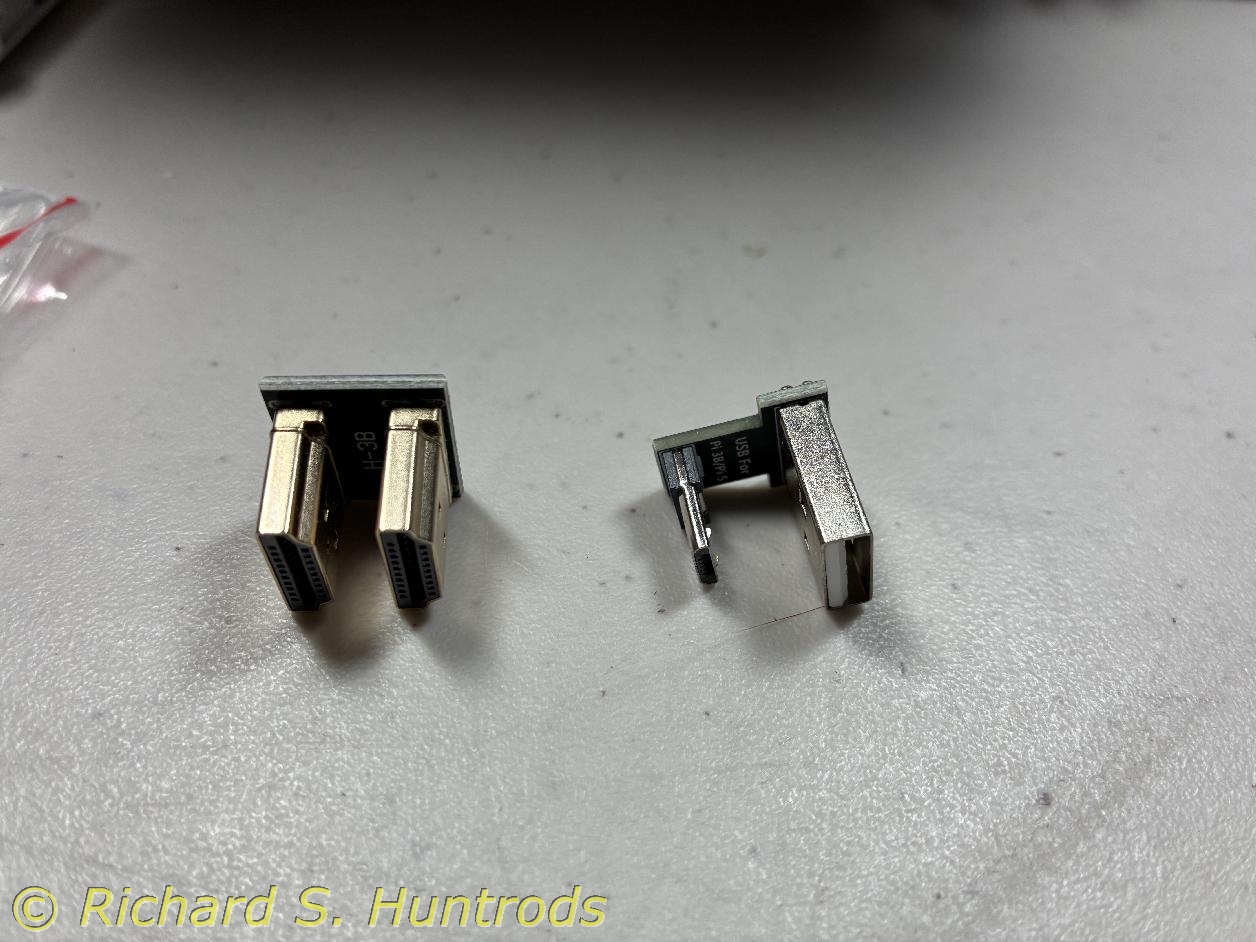
The Elecrow 7in HDMI monitor comes with mounting points on the back for a Raspberry Pi 3/4/5 and 180 plugs to connect the monitor to the appropriate Pi. The HDMI connector for the 3 differs from the 4 & 5. The 3 has full-size HDMI while the 4 & 5 have micro HDMI. The Elecrow comes two HDMI 180 connectors for each size.
Likewise the Elecrow comes with micro-USB to USB-A 180 plugs to connect the touch screen to the Pi. All Pis have micro-USB, but the Elecrow comes with TWO sets of plugs because it supplies a bag of connectors (HDMI & USB) for each type of Pi (3 or 4/5). So I have enough USB 180 plugs for both power and touch.
The images below show the regular HDMI 180 plug and the USB plug, as well as the USB plug installed in the power connector. For now the power cable simply goes under the monitor and out the left side. I have a plan for cable management.
To use the 180 connectors for HDMI and USB, I did need to switch the 12mm brass standoffs for 15mm standoffs, which allows space for the female plug that goes to the bottom of the 180 connector.
I have a female USB-A to male USB-A long cable that will connect the monitor to power. I needed to order a short USB cable to connect the touch screen to the Pi, and a short male-female HDMI cable to connect the monitor to the HDMI of the Pi. Given what was available, I bought regular size HDMI extender and will continue to use my micro-HDMI to female regular HDMI that was used with the HDMI dummy plug. Not ideal but readily available and not expensive.
When the cables arrive I will remove the screen and drill a suitably sized hole through the paper tape panel behind where the HMDI monitor will permanently reside. I estimate the hole will be minimum 1/2in to maximum 1in, with my hope being just over 1/2in. as I have drill bits that can do that without resorting to a hole saw.
Today was the big day! Although the cables arrived a short while ago, I took some time to consider exactly how I wanted to create a cable pass-thru hole in the paper tape panel. Two key issues were size and no damage. I settled on a 1in hole using a new hole saw, which I purchased yesterday at Home Hardware. I was able to attach it to a 1/4in impact drill (the kind that snaps into a high-speed impact driver instead of a slower drill).
Today I also decided that removing the paper tape panel was the best way to ensure minimal or no damage compared to drilling 'in situ'. I carefully opened frame and removed the I/O panel and paper tape panels, then closed up the frame top to keep things in place.
With the paper tape panel out, I also removed the USB connectors from the panel so I could lay it flat for measuring and drilling. I also removed the HDMI display. Using the display with cables in place, I determined the best hole location was near the thin backing strip but on the other side from the USB slot. It gave the cables more flex room.
I measured and found center of the panel, then measured the hole location and marked center. I drilled a small pilot hole (1/16in) and then used the hole saw to pre-drill a backing 2x4 block. Starting from the back, I used the saw to score the back of the panel and then finished the hole drilling from the front. The hole was clean and neat, but had some burrs due to the middle layer of fibreglas in the panel. I grabbed my drum sander kit and found a small sanding drum, fitted into a cordless drill and cleaned the hole edges.
I took the opportunity to better seat the Raspberry Pi-5 on the PiDP-1 GPIO connector by removing one brass standoff and replacing it with a nylon thru-hole standoff. I ran a 15mm M.2 bolt from behind thru NVME hat, then standoff, then Pi-5 and into the PiDP-1 nylon standoff nearest the RJ-45 connector to secure the Pi to the PiDP-1.
I also took the opportunity to attach the small speakers that came with the Elecrow 7in HDMI monitor to the back of the monitor (and plugged them in!) and then carefully secured the monitor to the paper tape panel.
I replaced the panels in the rack frame and buttoned things up. I installed the various cables from the monitor (HDMI, power & touch) as well as the paper tape USB connectors and secured them to various places on the back of the rack. Finally I powered up the rack and ensured everything was working perfectly, including the HDMI monitor speakers and the touch screen.
My PiDP-1 is now COMPLETE and functioning beautifully!
 2026-01-21.jpg "PiDP-1")